> ## Documentation Index
> Fetch the complete documentation index at: https://checkly-422f444a-mintlify-f58fa421.mintlify.site/llms.txt
> Use this file to discover all available pages before exploring further.
# Send Alerts to ilert
> Configure ilert integration to monitor incidents from Checkly alerts
Checkly integrates with [ilert](https://www.ilert.com/) to monitor your incidents in your ilert installation. Let's get started!
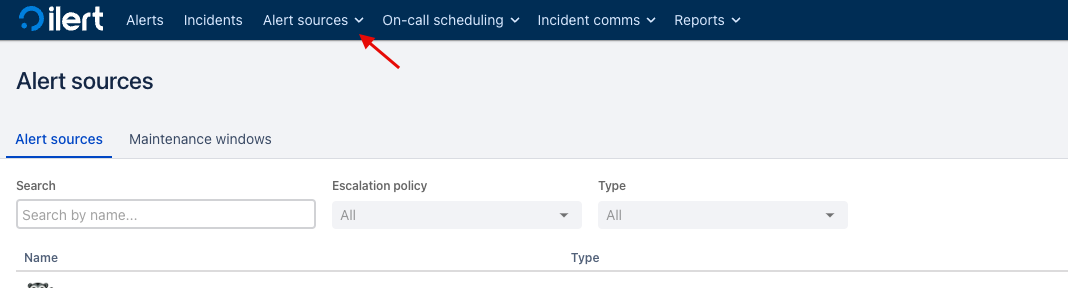
1. Log in to ilert and navigate to `Alert sources > Create a new alert source`.
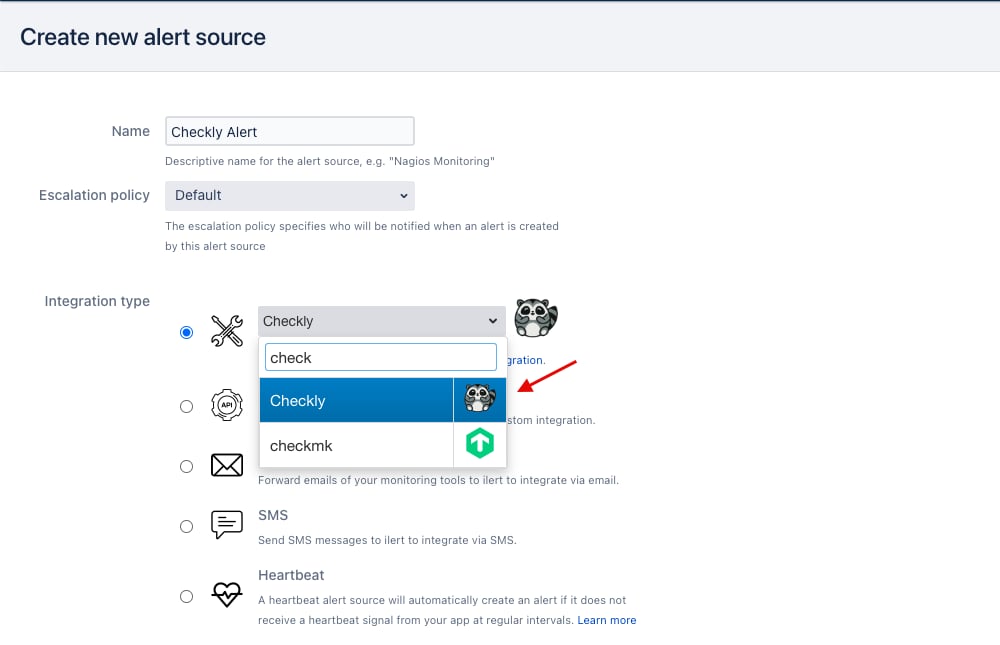
 2. Next, create a new alert source with Checkly as integration type.
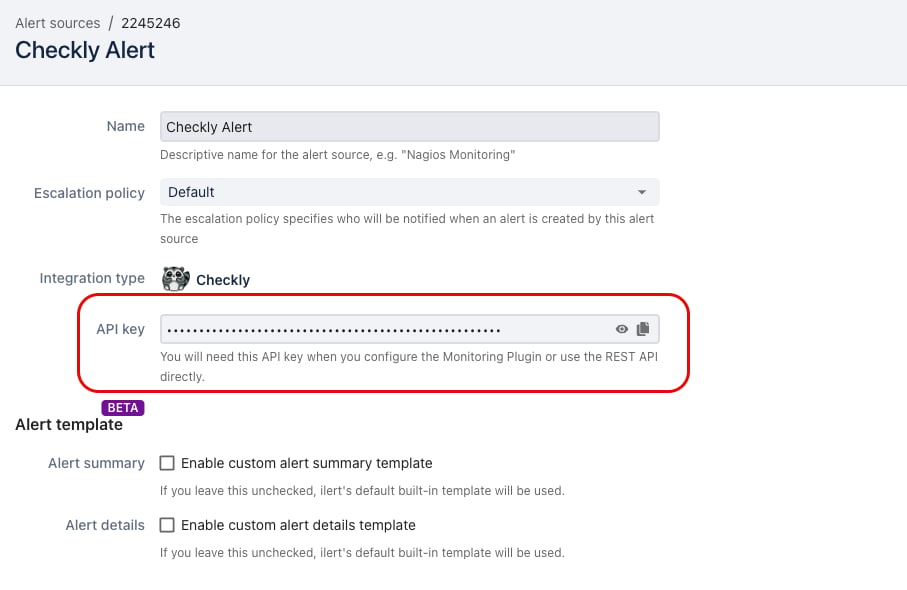
 3. Copy the generated API key to your clipboard.
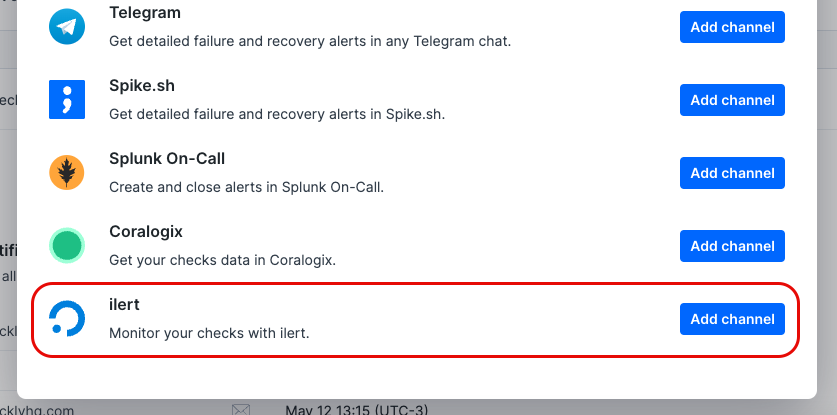
 4. Log in to Checkly and navigate to `Alert Settings`. Click the `Add more channels` button, find ilert icon on the list, and click `Add channel`.
 5. Enter a name of your choosing for the alert channel, together with the ilert URL and your API key (`https://api.ilert.com/api/v1/events/checkly/{api-key}`). Make sure that the right checks are subscribing to the channel and that the `Send when` rules are correctly set, then hit `Save ilert Webhook`.
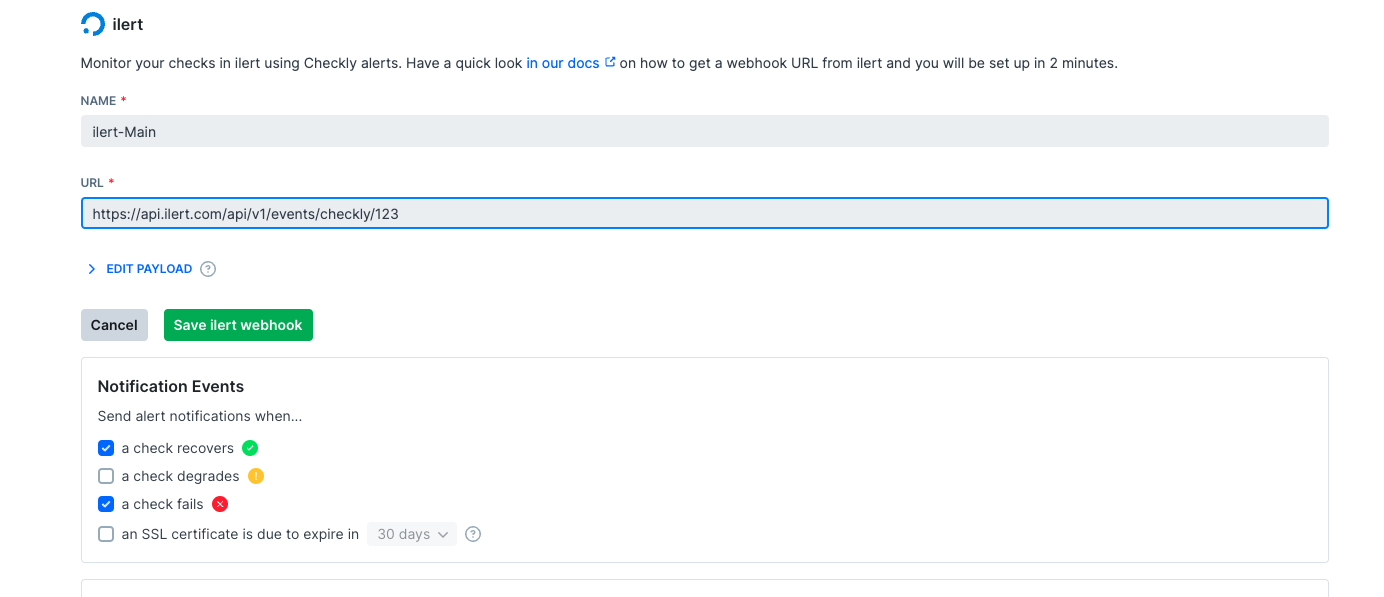 Congratulations, you've successfully integrated Checkly with ilert!